

7 work tasks you can hand to AI this week
Emails, meeting notes, spreadsheets and slides: practical tasks where AI saves real time, and what you still need to check yourself.
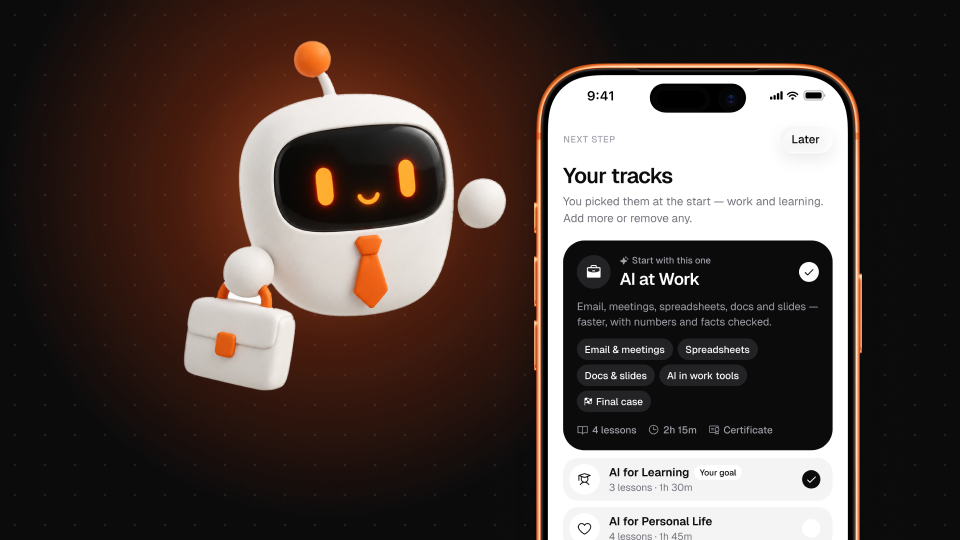
The best way to start using AI at work isn't a grand plan. It's picking one routine task this week, handing the first draft to AI, and seeing how much time you get back. Here are seven tasks where that works well for most office jobs — and, for each, the part you still need to do yourself.
1. First drafts of emails
Give the AI the situation, the reader and the outcome you want: "Reply to a supplier who missed a delivery date. Firm but polite. We need a new date by Friday." Edit the draft into your own voice.
You still check: the facts, the tone for this particular relationship, and that nothing was promised that you can't deliver.
2. Meeting notes into minutes
Paste your messy notes or a transcript and ask for decisions, owners and deadlines in a table, plus open questions.
You still check: that the decisions listed were actually made — AI can turn "we discussed X" into "we agreed X".
3. Reports from bullet points
Write the key points yourself, then ask the AI to turn them into a structured one-page report for a named audience ("for the sales director, who cares about pipeline and risks").
You still check: that it didn't add claims you didn't make.
4. Spreadsheet formulas
Describe what you need in words: "In column D, show the number of days between the dates in B and C, but leave it blank if C is empty." Ask it to explain the formula too.
You still check: the result on a few rows by hand, especially edge cases.
5. Making sense of data
Ask what stands out in a table, which questions the data can and can't answer, and which chart would show it best.
You still check: every number the AI quotes back. Arithmetic and copying figures across are classic weak spots — verify totals and percentages yourself.
6. Slide outlines
From a document or brief, ask for a 10-slide outline: a title and three bullets per slide, with a suggested visual for each. It's much faster to fix an outline than to face a blank deck.
You still check: the story. AI gives you a sensible structure; the point of view has to be yours.
7. Rewriting for a different audience
Take a technical update and ask for a version for customers, one for your manager and one for the team. Same facts, different emphasis.
You still check: that simplifying didn't change the meaning.
The pattern behind all seven
AI is good at the blank-page part of work: the first draft, the structure, the formula syntax. You're still responsible for the facts, the judgment and the final word. Treat it like a fast, eager new colleague — great at producing a draft, not yet someone whose work you'd send without reading.
Start with one task. If it saves you twenty minutes this week, add another next week.