Talk instead of typing: getting more from voice prompts
Speaking a prompt is faster and often gives the AI more context. A few habits that make dictated prompts work well.
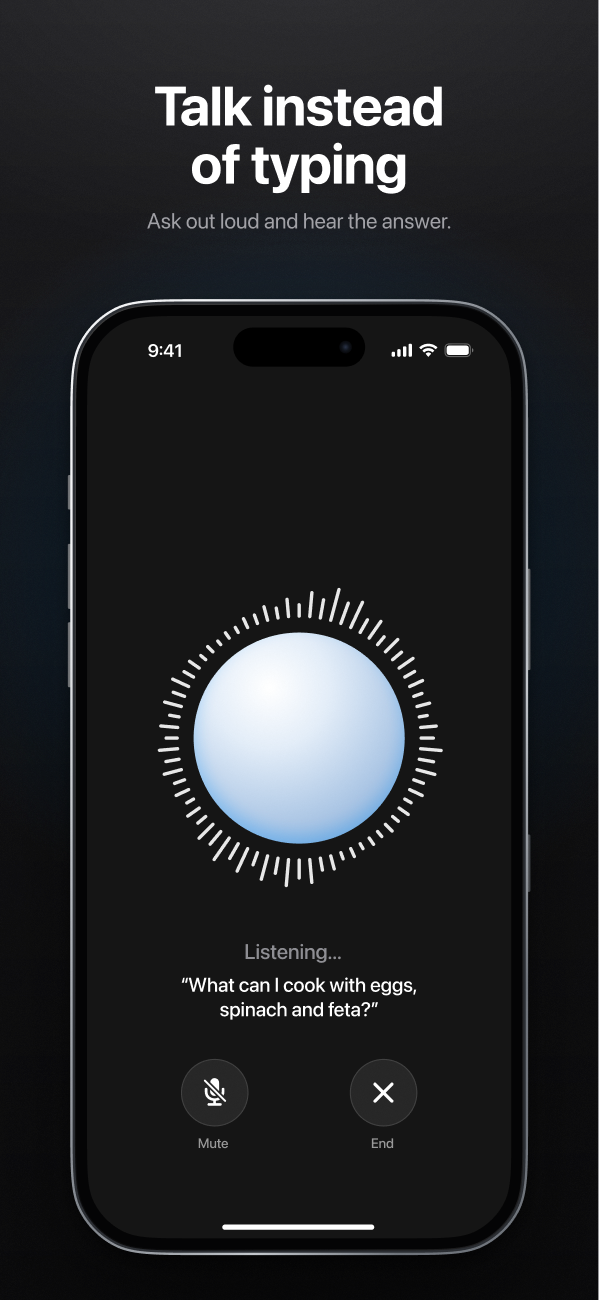
Most of us type prompts the way we type text messages: short, clipped, with the context left out. Speak the same request out loud and something changes — you naturally explain more. "Plan dinner" becomes "I need a quick dinner for four tonight, one of us is vegetarian, and I've got about 30 minutes and some leftover rice."
That extra context is exactly what makes AI answers better. Voice input is a shortcut to good prompts.
Habits that make voice prompts work
Ramble a little — it's fine
You don't need a perfect sentence. Background, constraints and second thoughts ("oh, and it should be cheap") are all useful. The AI is good at pulling the request out of natural speech.
Say the format at the end
Finish with how you want the answer: "Give me a shopping list", "Keep it to three bullet points", "Write it as a text message to my landlord". It's the part people most often forget when speaking.
Glance before you send
Dictation puts your words in the message box first, so you can fix a misheard name or number before sending. Ten seconds of checking saves a confusing answer.
Spell out the tricky bits
Names, product codes and unusual words are where speech recognition slips. Type those, or spell them out.
Mind where you are
Voice is great while cooking or walking. In a quiet office or on a crowded train, think twice before dictating anything private.
Where voice shines
- Brain dumps — talk through a messy problem, then ask the AI to organize it into a plan.
- Hands busy — cooking, carrying shopping, getting kids ready.
- Language practice — say a sentence in the language you're learning and ask the Language Tutor to correct it.
- Long requests — anything where typing the context would take longer than saying it.