Meet the AI Chat assistants
Ready-made chats for study, writing, languages, maths and design. What each one is for, and why we put them in front of a blank text box.
An empty chat box can do almost anything, which is exactly why it's hard to start. You have to know what to ask and how to set it up. Assistants solve that: each one is a chat that already knows its job, so you just say what you need.
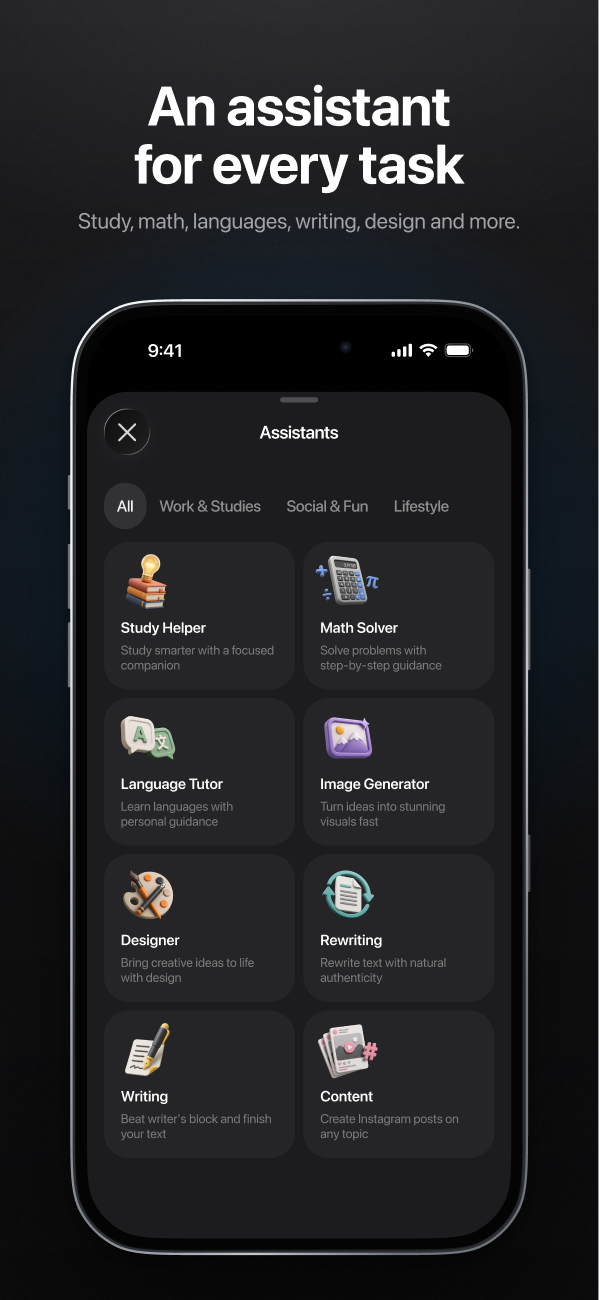
Here's the line-up AI Chat will launch with.
For studying
Study Helper
Explains topics at your level, breaks big subjects into steps and checks your understanding with questions. Good for "explain photosynthesis like I'm 12, then quiz me".
Math Solver
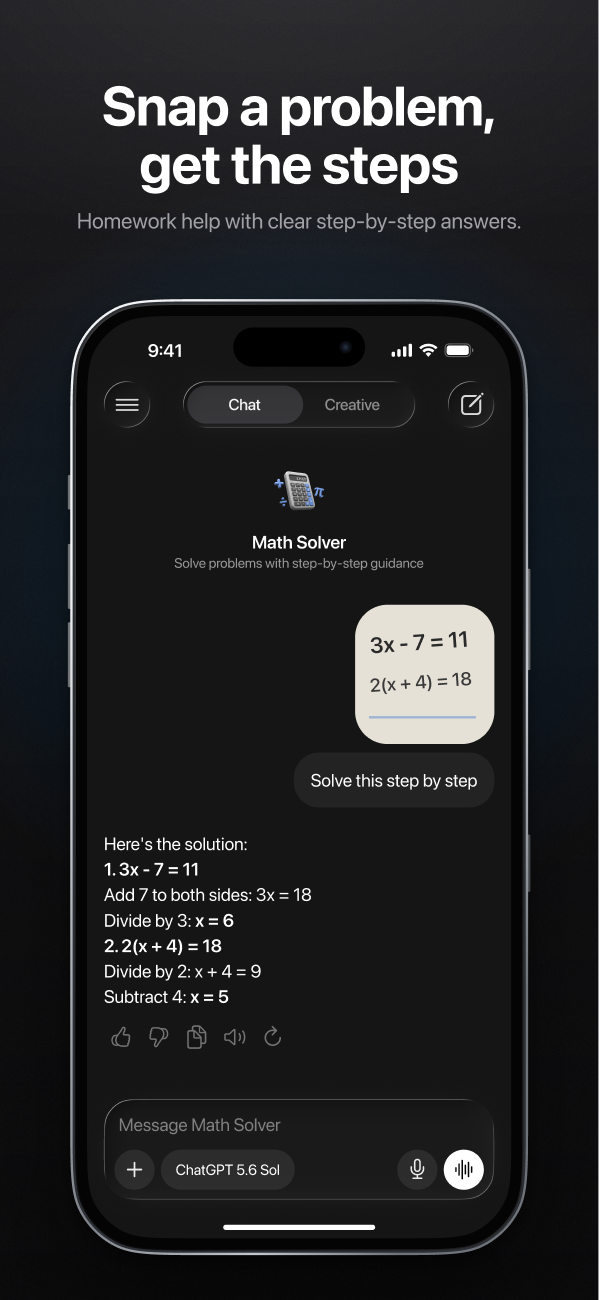
Works through problems step by step — type them or send a photo. The point is the method, not just the answer; see how to learn from photo answers.
Language Tutor
Practice conversations in the language you're learning, with gentle corrections and new vocabulary as you go.
For writing
Writing Assistant
Drafts emails, essays, cover letters and posts from a few notes, and helps restructure what you've already written.
Rewriter
Changes the tone or length of a text without changing what it says: more formal, friendlier, shorter, simpler.
Content Creator
Ideas and drafts for social posts, captions and short scripts, with variations to choose from.
For images and everything else
Designer
Turns a description into an image, or helps you write a better image prompt first.
Everyday Helper
Recipes, plans, gift ideas, how-tos — the general helper for whatever comes up.
Ordered by your goals
When you first open AI Chat, it asks what you'll use it for — study and homework, work and writing, learning languages, images, social media, everyday questions. The assistants that match come first, so the app feels like it was set up for you.
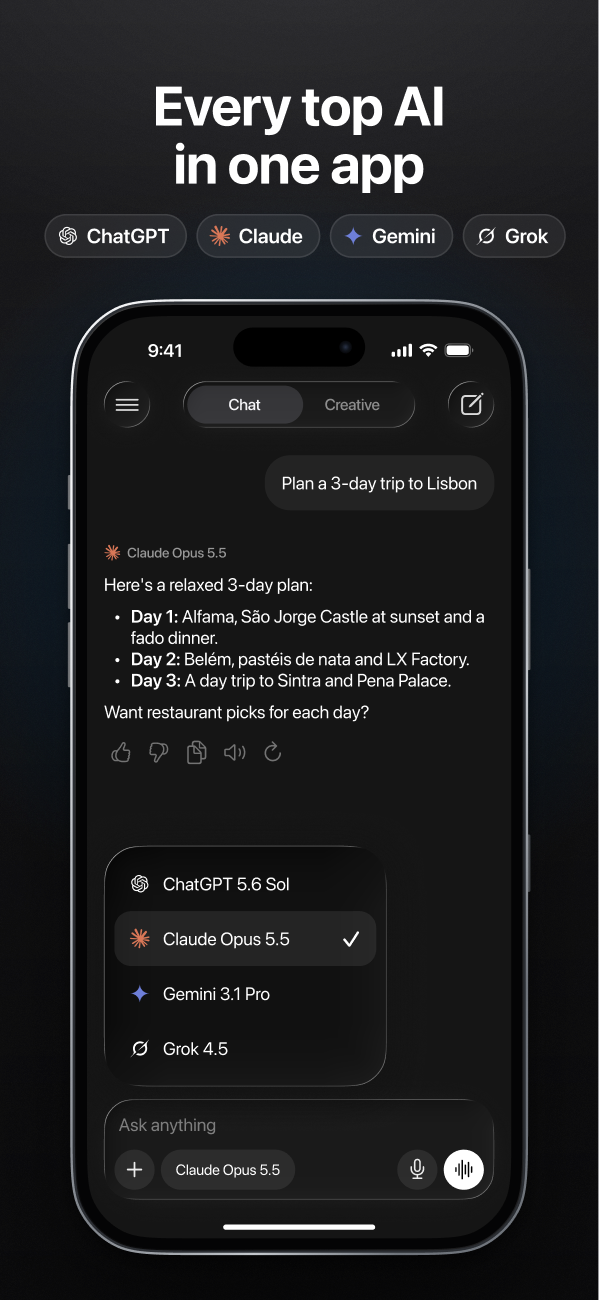
And every assistant works with every model: pick Math Solver with one model, then regenerate with another if you want a second take.